


Porodo Brite Smart LED Bulb with 16 Million RGB Colors, Voice Command, Music Rhythm Sync, Automated Timer, WiFi Connectivity, 610 Lumens of Brightness - White
- BrandPorodo
- ModelPDBRWLLB
- Power 7 W LED
- Brightness 610 Lumens
- Connection Type WiFi
- Lights White Light + RGB
Color: White
Warranty
More about this item
- 16 Million RGB Colors
- Automated Timer
- Music Rhythm Sync
- Voice Command
Overview
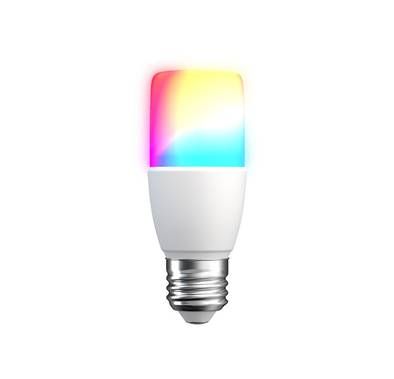
The Porodo Brite Smart LED Bulb is smooth smart control and colorful, adjustable lights make your room come to life. You can easily adjust your surroundings to match your mood, activity, or occasion. There are over 16 million RGB colors to choose from. Using voice commands and compatible smart assistants, this clever lamp can be operated hands-free. The music rhythm sync feature also creates a lively atmosphere. It pulses in time with your favorite songs. Made for modern ease, it features an automatic timer. You can set on/off cycles to match your daily routine. You can control your lights from your smartphone. It connects via WiFi, so you can enjoy comfort and save energy easily. The Porodo Brite Smart LED Bulb gives off 610 lumens of brightness. It’s perfect for custom lighting in any room. It balances brightness with energy efficiency.
Specifications

Brite Smart LED Bulb
Porodo Brite Smart LED Bulb is a single multifunctional bulb that works with google assistant and Alexa, also it is compatible with iOS and Android Apps. It contains 16 million RGB Colors that the color will change meanwhile you play the music; in another hand, it has Music Rhythm Sync opportunity. It has an automated timer that you can set while you want to sleep. You can control it by voice command or by Wi-Fi connectivity. It is suitable for any place that you want to make it fancier than it used to be.
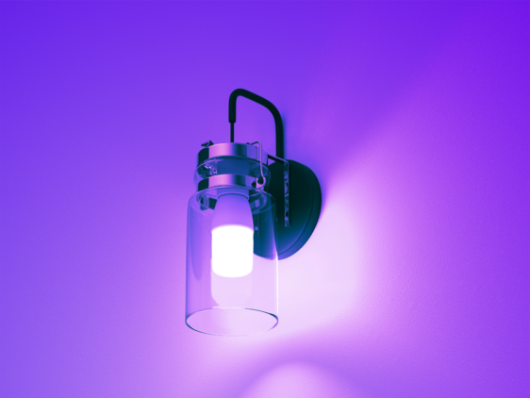

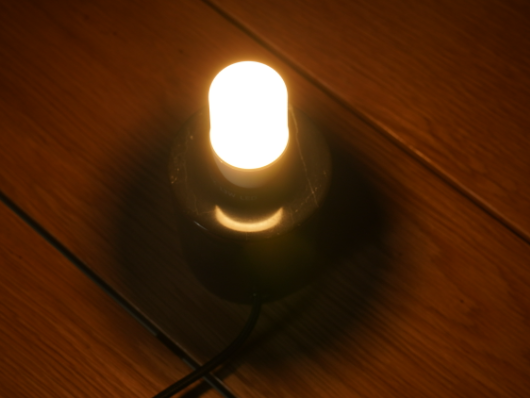
Brite Smart LED Bulb
You can control this light bulb with your smartphone no matter whether your phone supports IOS or Android. After you connect to the light bulb with the Wi-Fi you can control it anywhere that you want, and change the color base on your taste. There is another way to control it, with Voice command through the Alexa or Siri. By the timer, you can set a time for this bulb and after the time has been finished, you can see that the bulb is going to turn off automatically. You can find 16+ million colors in this product which gives you a huge opportunity to choose your favorite one.
How to Connect to Phone
Step l. Connect the gateway to the power supply and the wires connect to the router.
Step 2. Connect the mobile phone to the router. so mobile phone and gateway are in the same network environment
Step 3. Click the "Add Gateway" button on the page. Click Gateway Zigbee under other categories on the right side of the "Manual Add" page, and click to confirm that the light is always on.
After searching, the gateway to be connected will be displayed, and click "Binding" and you're in the add process.
Step 4. After the gateway connection WiFi successfully, enter the gateway page, click •Add Subdevices•, select the corresponding device , and then add to the same gateway, The other devices in the facet are the same as step 3.
Step 5. When entering the control panel Of the device, take the lamp as an example. After opening, the scene, color. brightness and timing can be set. Click on the "+" in the top-right comer of the control page to manage the device independently.
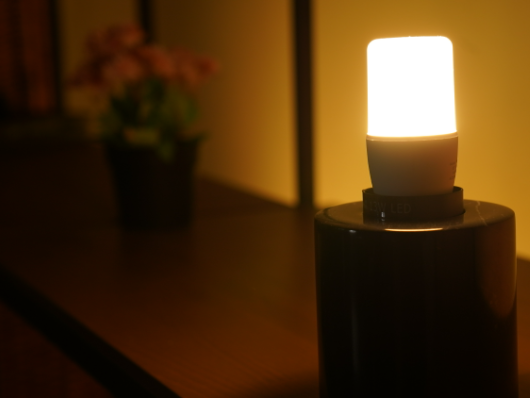


Comparison
RGB Light | |||
|---|---|---|---|
Automated Timer | |||
Music Rhythm Sync | |||
White Light | |||
Voice Assistant Compatibility | Google Assistant & Amazon Alexa | Google Assistant & Amazon Alexa | Google Assistant & Amazon Alexa |
Application Availability | iOS & Android | iOS & Android | iOS & Android |
Wi-Fi Connectivity |
Customer Rating (0/5)
Waiting for Your Feedback
0.0
- 5
- 4
- 3
- 2
- 1
Reviews (0)
Inclusive all tax
Sorry, The Item is Sold Out
Cash on delivery
45 days Returnable
Naml Delivery
Secure transaction